AI & product development · Guide
How to Build an AI-Powered Web App: From Raw Data to Useful Recommendations
An AI-powered web app is useful when it helps people make a decision or complete a task. The work starts with the user problem and the data behind it, then connects AI to a clear interface, tested results and a dependable production system.
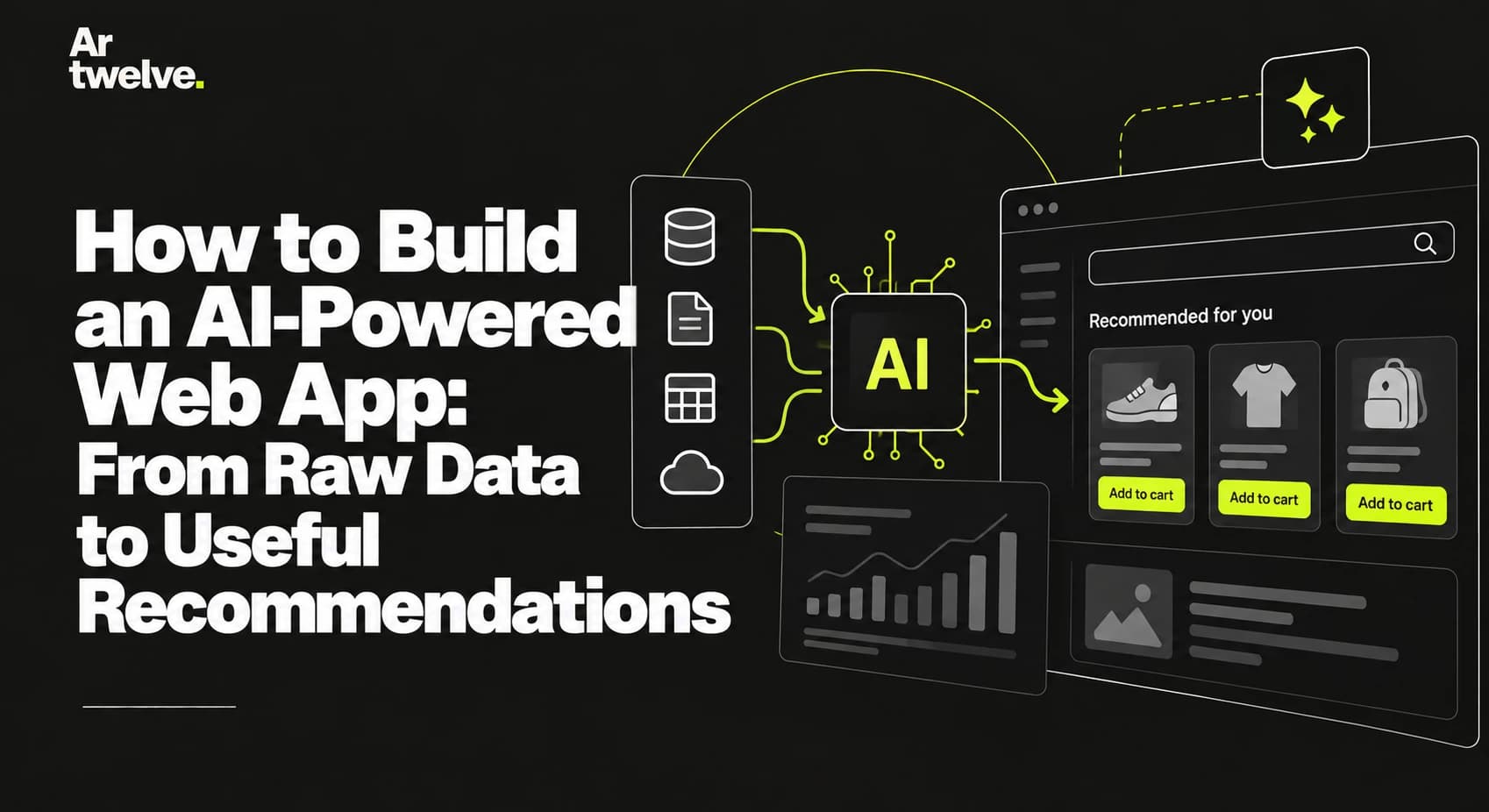
Building an AI-powered web app means designing a complete product around data and a user need—not simply adding a model to an existing website. A good recommendation should be relevant, explainable enough for its context and supported by information the application can trust.
1. Start with a user problem
Begin by describing the decision a person needs to make. What do they know at the start? What information is missing? What should the app help them compare, understand or do next? These questions keep the project focused on an outcome instead of an abstract AI feature.
Map the current workflow and identify where it becomes slow, inconsistent or difficult to navigate. Then define a narrow first release. For example, an application might help people compare property locations by presenting information about nearby services, transport and environmental factors in one place.
Write down what success would look like for users and for the business. That could mean completing a task faster, finding useful options, or reducing manual review. Choose measures that reflect the real purpose of the product.
2. Prepare reliable data
Recommendations depend on the quality, coverage and freshness of the data they use. List each source, what it contains, how it is updated, and whether the project has permission to use it. Check for missing fields, duplicates, inconsistent formats and different meanings for similar values.
Keep source information attached to records where possible. A recommendation is easier to review when the application can show which facts informed it and when those facts were last updated. If the data is incomplete, the interface should say so instead of presenting a confident but unsupported conclusion.
For a location product, useful inputs might include an address, geographic coordinates and nearby amenities or transport points. Data coverage can vary between places, so the app should handle empty or uneven results gracefully.
3. Choose the right role for AI
Decide which parts of the workflow benefit from a language model or another AI service. AI may help interpret text, summarise a large set of facts, classify a request or produce a natural-language explanation. Regular application code may be a better choice for precise calculations, filters, permissions and repeatable business rules.
It is often safer to separate the two. The application can calculate a score from explicit rules, while AI turns verified inputs into a short explanation. The model should receive only the facts it needs and should not be asked to invent missing data, sources or certainty.
Consider whether a hosted AI service, a specialised model or a conventional algorithm best fits the task. Compare expected quality, response time, operating cost, data handling and how much control the team needs.
4. Design useful recommendations
Present the recommendation alongside the evidence behind it. Explain the main factors, make important limitations visible, and let people inspect details when they want more context. Avoid treating a single score as a complete answer to a complex decision.
Set expectations about what the product can and cannot tell the user. Distinguish verified facts from generated explanations, especially in areas where people may make financial, health or legal decisions. Make it possible to correct inputs or report a result that appears wrong.
Dobra Lokacja, featured in our portfolio, illustrates an interactive location assessment: a searched address appears on a map alongside a score and information about local factors.
5. Evaluate outputs before launch
Prepare a representative set of real or carefully anonymised examples. Include normal cases, incomplete data, unusual inputs and situations where the system should decline to make a recommendation. Ask domain experts to review whether outputs are accurate, useful and consistent with the product’s rules.
Measure more than whether the model returned a response. Track factual accuracy, relevance, unsupported claims, response time, failures and user feedback. Keep example inputs and expected behaviour in a repeatable evaluation suite so changes to prompts, models or data can be compared.
Use human review for high-impact recommendations. The right level of review depends on what the application does and the consequences of an incorrect result.
6. Plan privacy and reliability
Send only the information required for the task to an AI provider. Decide how personal data is stored, who can access it, how long it is retained and which external services receive it. Keep API credentials on the server, apply access controls and avoid placing secrets in browser code or logs.
Model responses can be slow or temporarily unavailable. Add timeouts, sensible retries, error handling and a fallback state that explains what the user can do. Monitor usage and cost, and set limits before a feature becomes widely used.
Choose an architecture that makes these responsibilities clear: the frontend gathers inputs and presents results, while server-side services validate requests, retrieve data, call AI providers and record operational metrics.
7. Launch, measure and improve
Release a narrow feature first and observe how people use it. Review whether recommendations help users complete the task, which explanations are confusing, and where the underlying data needs improvement. Keep a clear process for investigating incorrect outputs and updating the system.
Document the model and data sources, evaluation results, known limitations, operating costs and the person responsible for ongoing review. An AI feature is a maintained part of the product, not a one-time integration.
For the surrounding website, also plan technical SEO, accessible page structure and performance. Our technical SEO checklist covers the foundations to review before launch.