SEO · Guide
Sitemap and Robots.txt: Why They Matter and How to Set Them Up
Sitemap.xml and robots.txt serve different purposes. This guide shows what each file does, what to include and how to check that their rules match your indexing goals.
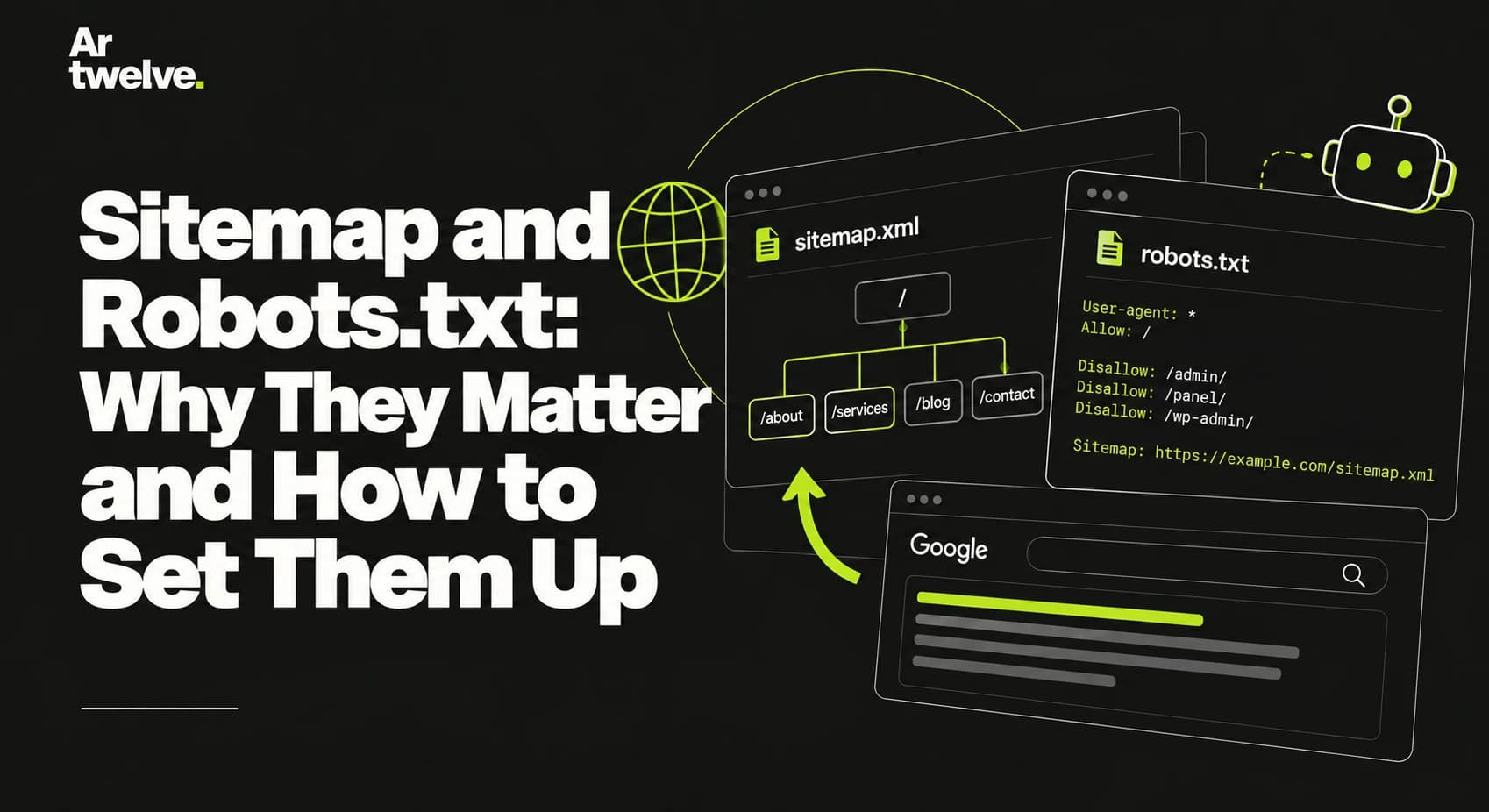
A sitemap lists canonical URLs that a site wants search engines to discover. Robots.txt gives crawlers rules about which paths they may request. Neither file guarantees indexing, and robots.txt is not an access-control mechanism.
1. What a sitemap does
An XML sitemap can help crawlers discover important pages, especially on a new or large site. Include only public, canonical pages that return successfully and are intended for indexing. Exclude redirects, errors, noindex pages, preview URLs and duplicate variants.
Keep the file current as content is published, removed or moved. Use a reliable last modified date only when you know when the page’s content materially changed. Submit the sitemap in Google Search Console and reference it in robots.txt.
2. What robots.txt does
The robots.txt file is usually available at the root of a host, such as https://example.com/robots.txt. It can allow or disallow crawler requests to URL paths. It should not block CSS, JavaScript or images needed to render a public page.
A crawler that is blocked from a URL cannot read a noindex directive on that page. If a public page should be excluded, allow crawling so the crawler can see the directive. Protect private information with authentication and access controls instead.
3. How to configure both
For a typical public business website, allow access to public pages and publish a sitemap reference that uses the real HTTPS domain:
User-agent: *
Allow: /
Sitemap: https://example.com/sitemap.xml
The sitemap should contain absolute canonical URLs, for example https://example.com/services. Replace the example domain with the production hostname, and avoid including staging or preview addresses.
4. Common configuration problems
- A leftover
Disallow: /blocks crawling across the site. - The sitemap contains old domains, redirecting URLs or non-canonical variants.
- Important resources are blocked, making a page harder to render.
- Private paths are assumed safe because they are disallowed in robots.txt.
- The sitemap is not updated when a page is removed or changes URL.
5. How to verify setup
Open both files on the production domain and check their status codes and contents. Validate sitemap XML, confirm the URL list matches published pages, then inspect representative URLs in Search Console. Check redirects separately and ensure robots rules do not block the pages you want indexed.
Use our technical SEO checklist for the remaining launch checks. No file configuration can force Google to index a page.