SEO · Guide
Meta Titles and Descriptions: What They Do and How to Write Them
Title tags and meta descriptions help searchers understand what a page offers. This guide explains what each element does, how to write them and what to check before publishing.
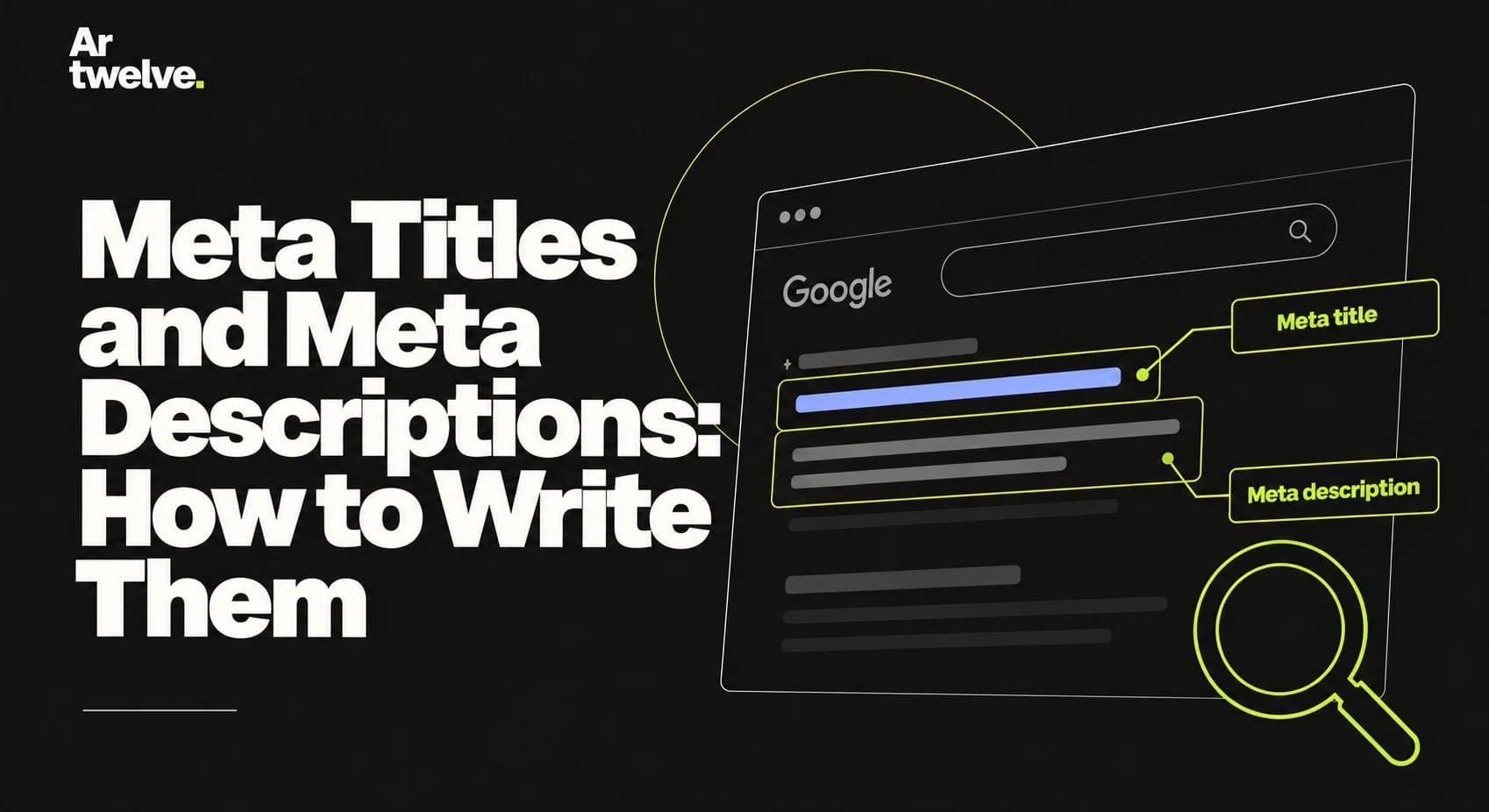
A title tag names a page in search results and browser tabs. A meta description is a short summary that may appear beneath the title. Both should describe the actual page and give a person a clear reason to choose it.
1. What a title tag does
The HTML <title> element is one signal search engines use to understand a page. Google may also generate a different title link from headings, prominent text or links when it thinks that is more useful. A title therefore needs to be accurate and consistent with the visible page.
Write a distinct title for every important page. Put the main subject near the beginning and add the company name where it helps recognition. Avoid repeating keywords or using the same title across the whole site.
2. What a meta description does
The description is a suggested summary for a search snippet. Search engines can show it, shorten it or create a different snippet from the page text for a particular query. It is not a direct ranking switch, and there is no guaranteed display length.
Describe the page’s useful information in plain language. For a service page, mention who the service is for and what the page explains. For an article, state the question it answers.
3. How to write them
- Identify the page’s main topic and the visitor’s likely question.
- Write one specific, readable title that matches the page heading.
- Summarise the page’s actual value in a concise description.
- Use natural wording and a clear next step where appropriate.
- Check that both are unique across the site and accurate after edits.
Example title: Magento 2 Development for Growing Stores | Artwelve. Example description: Explore Magento 2 development for complex catalogues, B2B workflows and system integrations. See how Artwelve plans e-commerce projects. These examples should only be used where the page really covers those subjects.
4. Common mistakes
Avoid keyword lists, vague claims, misleading promises and descriptions copied from another page. Do not cram every service or location into one title. If a page changes, revisit its metadata so the snippet still reflects the content.
There is no need to force a precise character count. Search snippets vary by device and query; clarity and accuracy matter more than hitting a fixed number.
5. How to check your metadata
Inspect the rendered HTML and confirm there is one appropriate title and description. Compare them with the page’s H1 and content, then use Google Search Console to review queries and impressions after the page has been crawled. Changes may take time to appear in results.
Continue with our technical SEO checklist or read how JSON-LD works.